
一般變數只存在目前頁面的記憶體中,重新整理後就會回到初始值。如果希望重新整理後仍然保留文字,可以使用localStorage將少量資料保存在瀏覽器裡。
這次,先準備文字框、儲存按鈕、清除按鈕和顯示結果的位置:
<h1>今日學習筆記</h1>
<textarea id="note" placeholder="打個字"></textarea>

<div>
  <button id="save" type="button">儲存</button>
  <button id="clear" type="button">清除</button>
</div>

<p class="status"></p>
<p>這個分頁已載入 <strong id="open-count">0</strong> 次</p>
接著選取文字框和提示文字,並準備保存筆記時使用的鍵:
const noteKey = "js-30-day-note";
const note = document.querySelector("#note");
const status = document.querySelector(".status");
localStorage使用「鍵和值」保存資料。開啟頁面時,使用getItem()按照noteKey讀取先前保存的文字,再放回文字框:
note.value = localStorage.getItem(noteKey) ?? "";
如果這個鍵還沒有保存過資料,getItem()會得到null。?? ""會在結果是null時改用空字串,讓文字框保持空白。
按下儲存按鈕後,使用setItem()保存文字框目前的value:
document.querySelector("#save").addEventListener("click", () => {
  localStorage.setItem(noteKey, note.value);
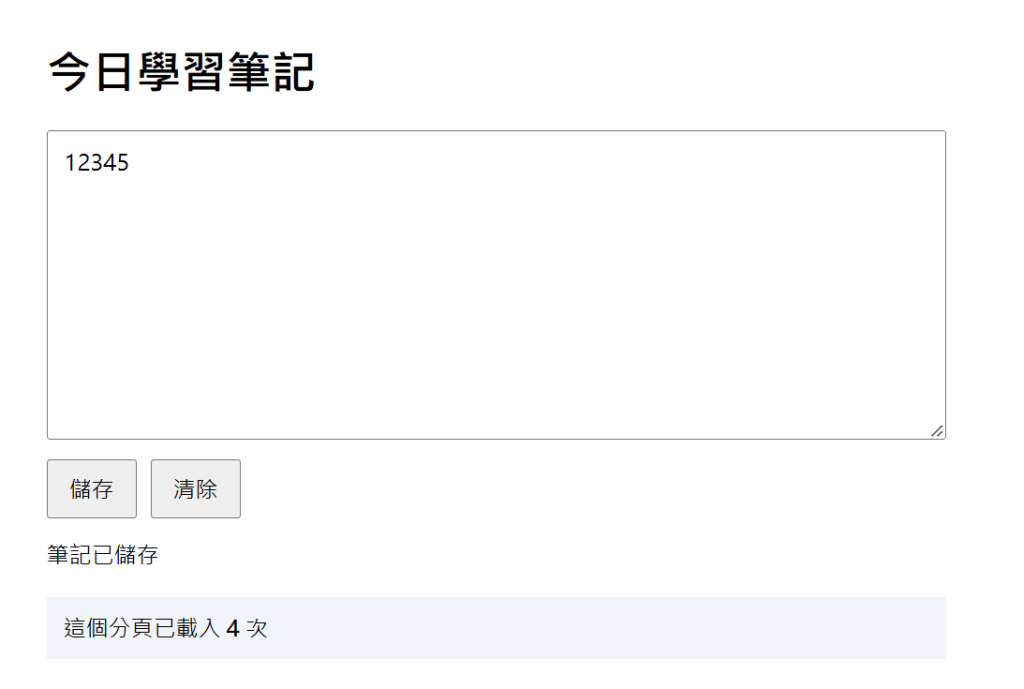
  status.textContent = "筆記已儲存";
});
setItem()的第一個資料是鍵,第二個資料是要保存的值。輸入一段文字並按下儲存後,重新整理頁面,前面的getItem()會再次讀取相同的鍵,所以文字仍會出現在文字框中。
按下清除按鈕時,使用removeItem()移除指定的鍵,並同步清空畫面:
document.querySelector("#clear").addEventListener("click", () => {
  localStorage.removeItem(noteKey);
  note.value = "";
  status.textContent = "筆記已清除";
});
下面另外使用sessionStorage記錄目前分頁載入幾次:
const countKey = "js-30-day-open-count";
const openCount = Number(sessionStorage.getItem(countKey) ?? 0) + 1;

sessionStorage.setItem(countKey, String(openCount));
document.querySelector("#open-count").textContent = openCount;
sessionStorage和localStorage都有setItem()、getItem()和removeItem()。重新整理時,載入次數會繼續增加;關閉分頁再重新開啟後,sessionStorage會重新開始,但localStorage中的筆記仍然會保留。
行查看或清除這些內容,因此仍然要按照資料的重要程度選擇真正的保存位置。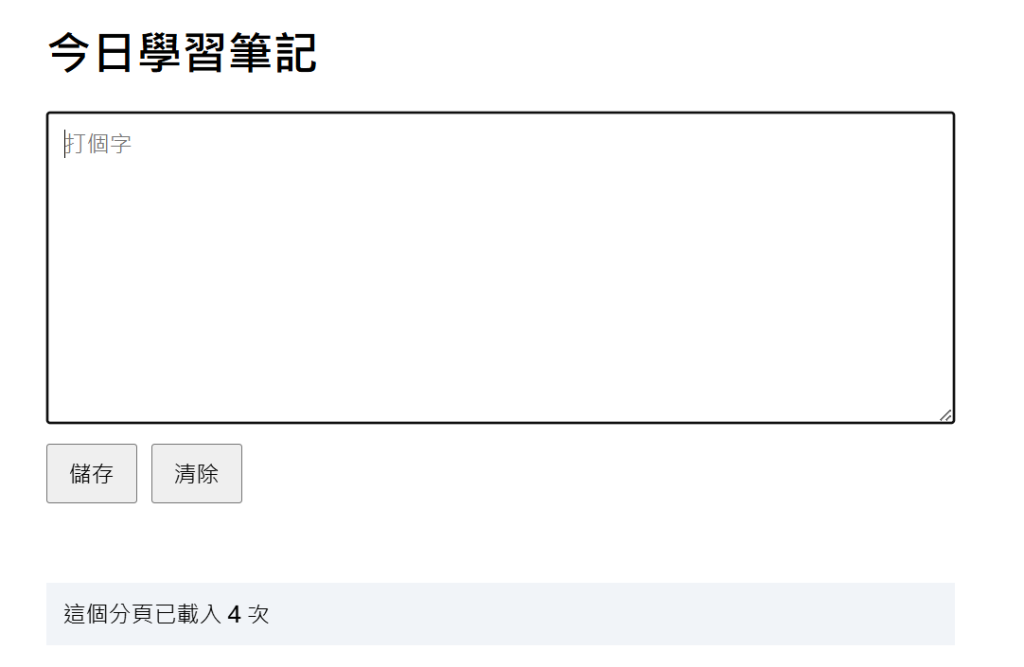
重新載入後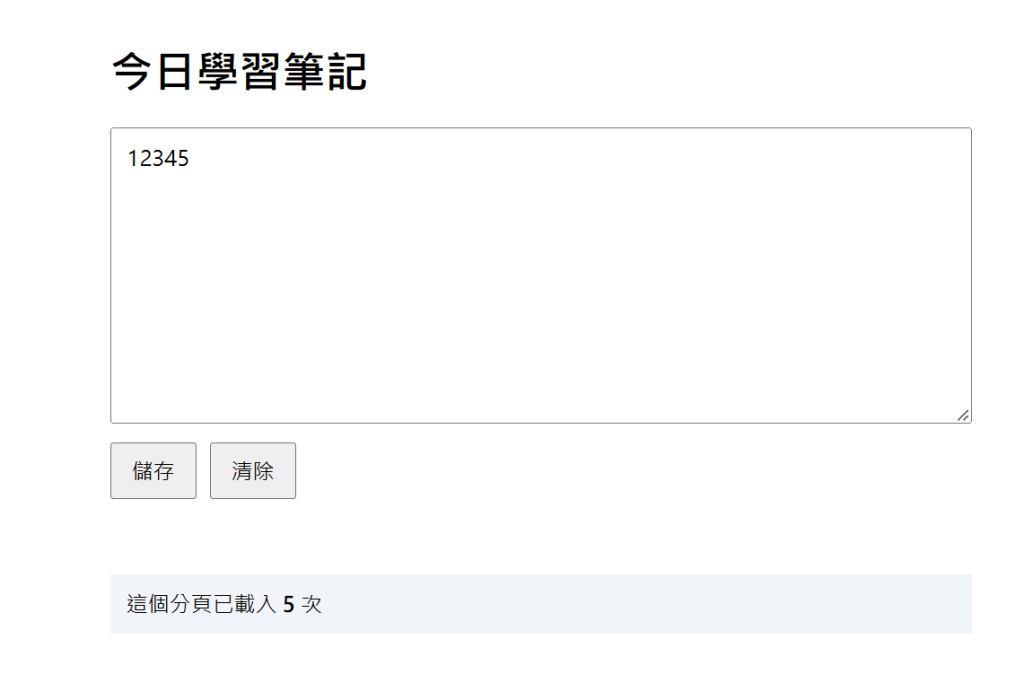



 iThome鐵人賽
 看影片追技術