
上一篇使用addEventListener()處理按鈕點擊和輸入事件。除了這個方法,也能直接設定元素的onclick,不過兩種寫法在重複設定時會有不同結果。
先選取一個按鈕,連續設定兩次onclick:
const propertyButton = document.querySelector("#property-button");
const propertyResult = document.querySelector("#property-result");

propertyButton.onclick = () => {
  propertyResult.textContent = "第一個 onclick 執行";
};

propertyButton.onclick = () => {
  propertyResult.textContent = "第二個 onclick 執行";
};

按下按鈕後只會看到第二段文字,因為同一個onclick只能保存一個函式,後面的設定會蓋掉前面的設定。
如果改用addEventListener(),同一個元素和事件可以加入多個監聽器:
const multiButton = document.querySelector("#multi-button");
const multiResult = document.querySelector("#multi-result");

multiButton.addEventListener("click", () => {
  multiResult.textContent = "第一個監聽器";
});

multiButton.addEventListener("click", () => {
  multiResult.textContent += "、第二個監聽器";
});
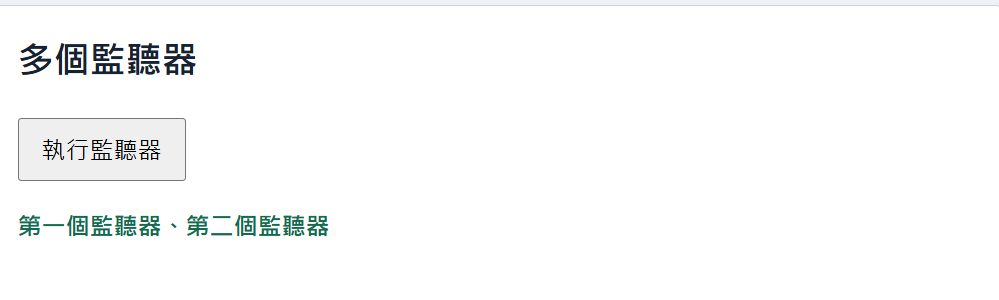
這次按下按鈕後,兩個函式都會依照加入順序執行,所以畫面會同時顯示兩段文字。
已經加入的監聽器可以使用removeEventListener()移除,但加入和移除時必須使用同一個函式:
function showMessage() {
  removeResult.textContent = "按鈕仍在監聽點擊";
}

removeTarget.addEventListener("click", showMessage);

removeControl.addEventListener("click", () => {
  removeTarget.removeEventListener("click", showMessage);
  removeResult.textContent = "監聽器已移除";
});
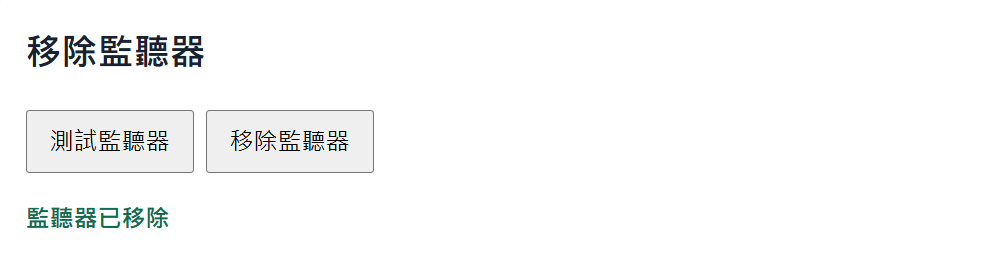
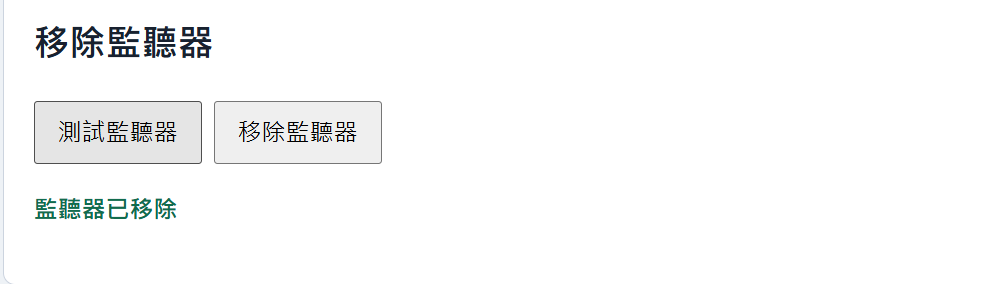
先按「測試監聽器」會顯示訊息,按了「移除監聽器」後,之後再怎麼按測試按鈕都不會再回應了。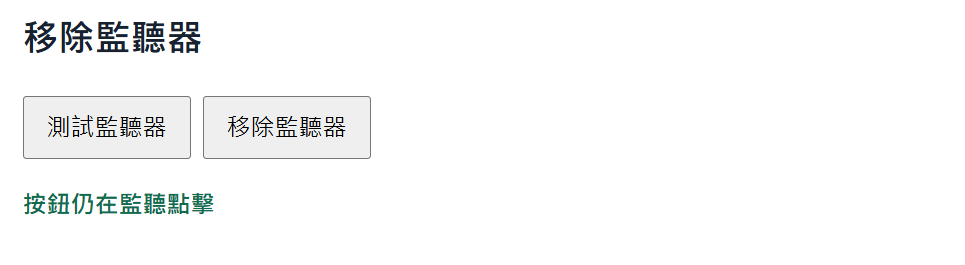
如果事件只需要執行一次,可以在第三個參數加入{ once: true }:
onceButton.addEventListener("click", () => {
  onceResult.textContent = "這個事件只執行一次";
}, { once: true });
第一次點擊會執行函式,之後瀏覽器會自動移除這個監聽器。一般互動使用addEventListener()即可;需要取消監



 iThome鐵人賽
 看影片追技術