
之前有使用過input製作即時預覽,只要輸入框的內容改變就會執行。輸入欄位還有另一個常見的change事件,兩者執行的時間不太一樣。
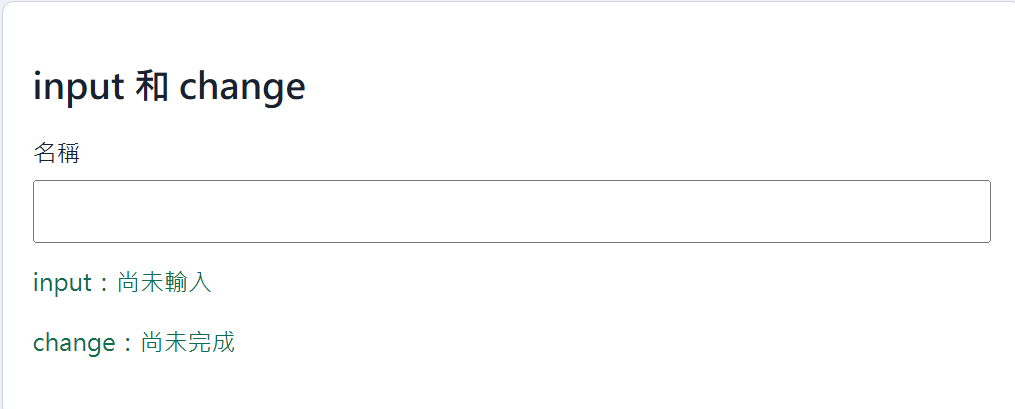
先準備一個輸入框和兩段結果:
<label for="name">名稱</label>
<input id="name" type="text">
<p id="input-result">input:尚未輸入</p>
<p id="change-result">change:尚未完成</p>
接著替同一個輸入框加入input和change事件:
const nameInput = document.querySelector("#name");
const inputResult = document.querySelector("#input-result");
const changeResult = document.querySelector("#change-result");

nameInput.addEventListener("input", () => {
  inputResult.textContent = `input:${nameInput.value}`;
});

nameInput.addEventListener("change", () => {
  changeResult.textContent = `change:${nameInput.value}`;
});
輸入內容但還沒有點擊別處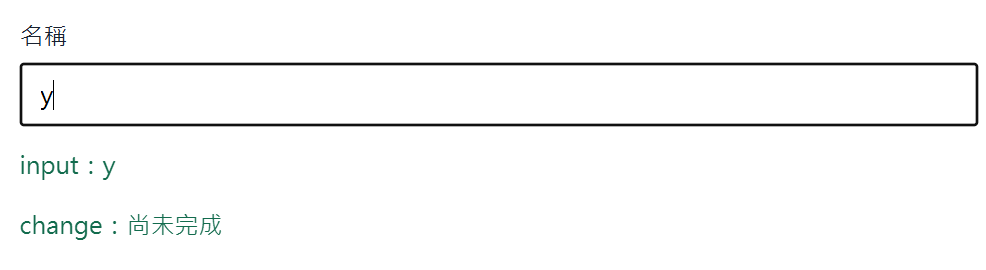
點擊後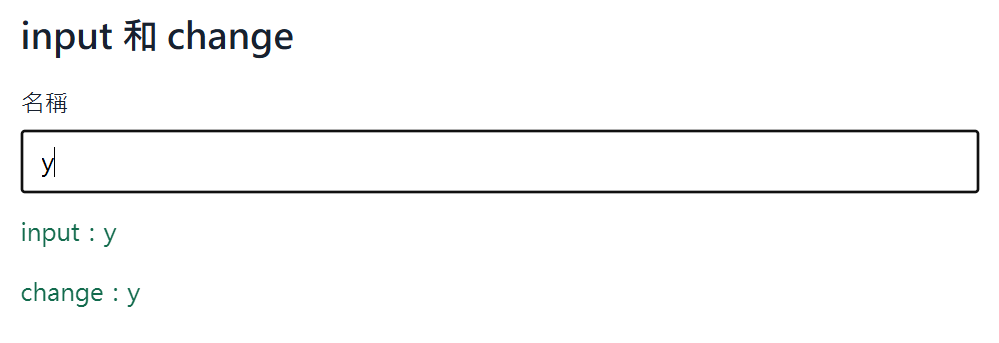
輸入文字時,input的結果會每次跟著改變。change通常會等內容修改完成,而且輸入框失去焦點後才執行。可以先輸入文字,再點一下輸入框外面,比較兩段結果更新的時間。
鍵盤操作則可以使用keydown事件。這裡準備另一個輸入框,用來顯示剛才按下的按鍵:
<label for="keyboard">按下任意按鍵</label>
<input id="keyboard" type="text">
<p id="key-result">尚未按下按鍵</p>
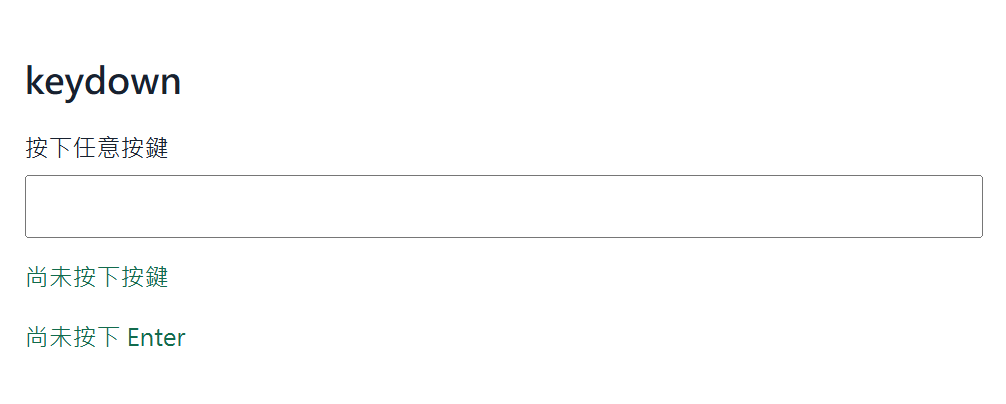
事件物件中的key會保存按鍵名稱:
const keyboardInput = document.querySelector("#keyboard");
const keyResult = document.querySelector("#key-result");

keyboardInput.addEventListener("keydown", (event) => {
  keyResult.textContent = `按下的按鍵:${event.key}`;
});
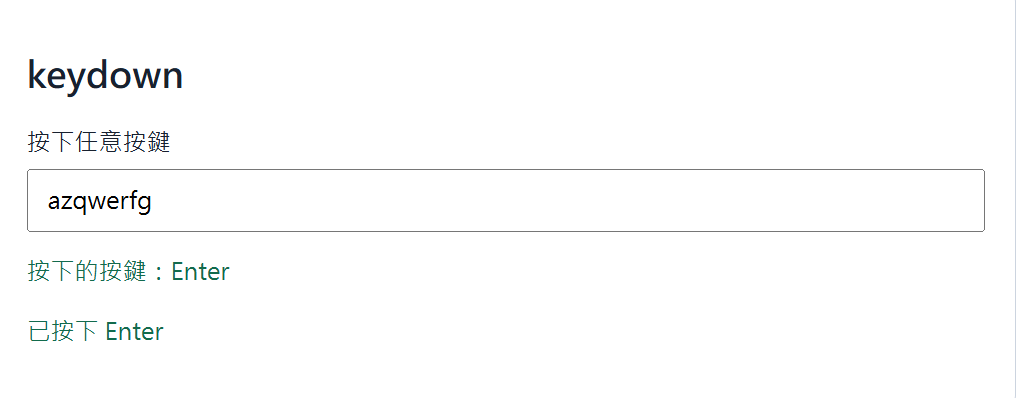
按下英文字母時會取得對應字元,方向鍵會得到ArrowLeft、ArrowRight等名稱,Enter 鍵則會得到Enter。因此可以使用條件判斷處理指定按鍵:
keyboardInput.addEventListener("keydown", (event) => {
  if (event.key === "Enter") {
    enterResult.textContent = "已按下 Enter";
  }
});
input適合即時讀取內容,change適合在內容修改完成後處理,而keydown則用來判斷使用者按下哪一個按鍵。選擇事件時,可以先確認希望程式在什麼操作發生後執行。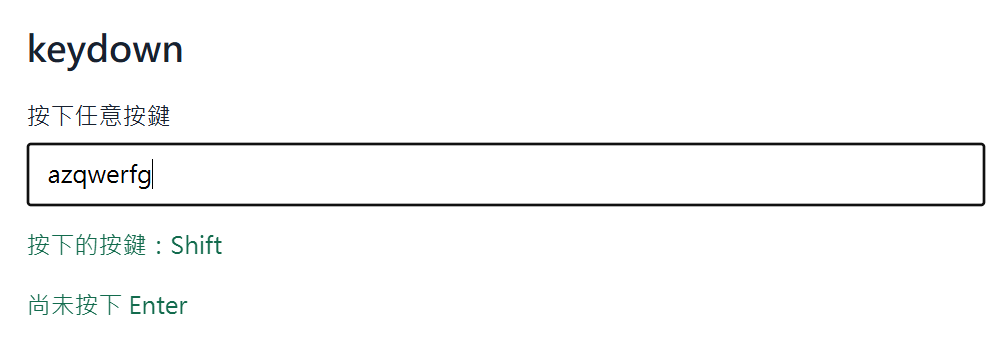



 iThome鐵人賽
 看影片追技術